Paper card
- A detail change means another print run.
- The recipient has to type your contact into their phone.
- A card can run out before the event does.
Show your QR code. Anyone can open and save your current contact without an account or download.
Recipients save your contact straight from their browser.
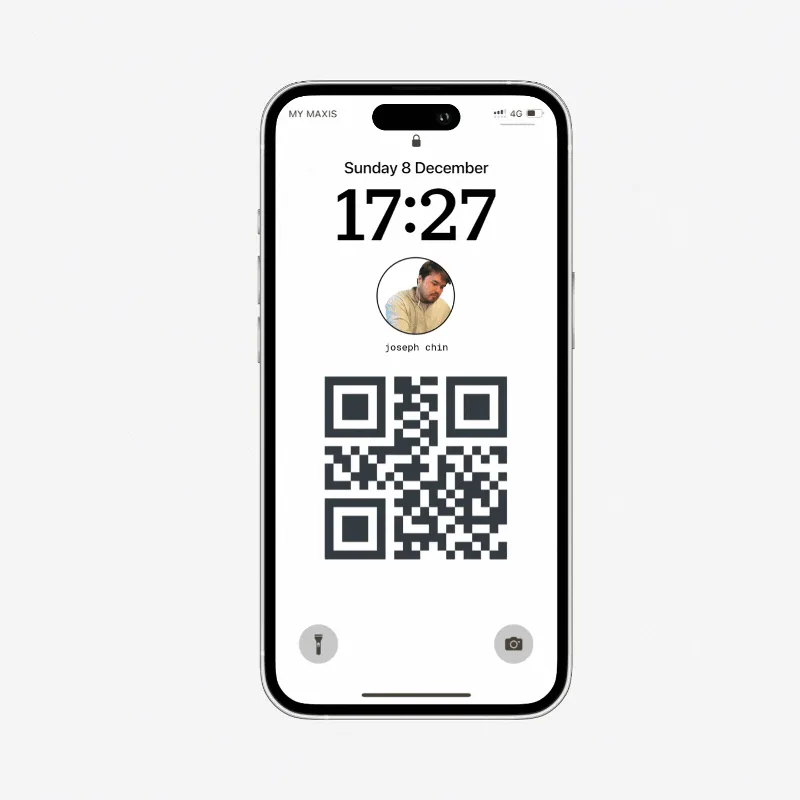
Built for the handoff
Start with the moment in front of you: a networking room, a quick QR scan, or a phone that keeps your card ready.
Digital business card vs paper
A MyDetails digital business card keeps your professional details behind one public link. Share it in person, then update the same card when your information changes.
See what to put on a business cardOpen your card on your phone and let the other person scan.
Recipients can download your details from their browser.
Edit your card later without replacing the public link or QR code.


Creator of MyDetails
MyDetails keeps a contact exchange in one browser flow: show a QR code, open the public card, and save the contact.
When your details change, edit the card instead of replacing its public link or QR code. Anyone returning to that link sees the current information.
See how easy it is to share your professional details with a single scan.
Find answers to common questions about MyDetails. Can't find what you're looking for? Contact us at mydetails@mail.tin.computer